How to read a script in English on camera when English is not your first language
Published October 27, 2026 · 5 min read
If English is your second language, reading an English script on camera is harder than speaking it: written English is full of long sentences and rare words, and the screen tempts you to rush. The fix is to write the script for your own mouth, mark the words you trip on, read slower than feels natural and rehearse out loud before you record.
A slight accent is not a problem. Unclear pacing and stumbling are, and you can fix both. This guide shows how, and what to set in Talkzy for Mac if you use voice-follow.
Why a script is harder in your second language
In your first language you read ahead without effort. In a second language you often decode word by word, so your eyes stay on the current word and your voice goes flat or speeds up to catch up.
- Long, formal sentences are hard to say in one breath.
- Rare words and names break the rhythm because you have not said them aloud before.
- Reading from a screen makes people rush, which makes pronunciation worse.
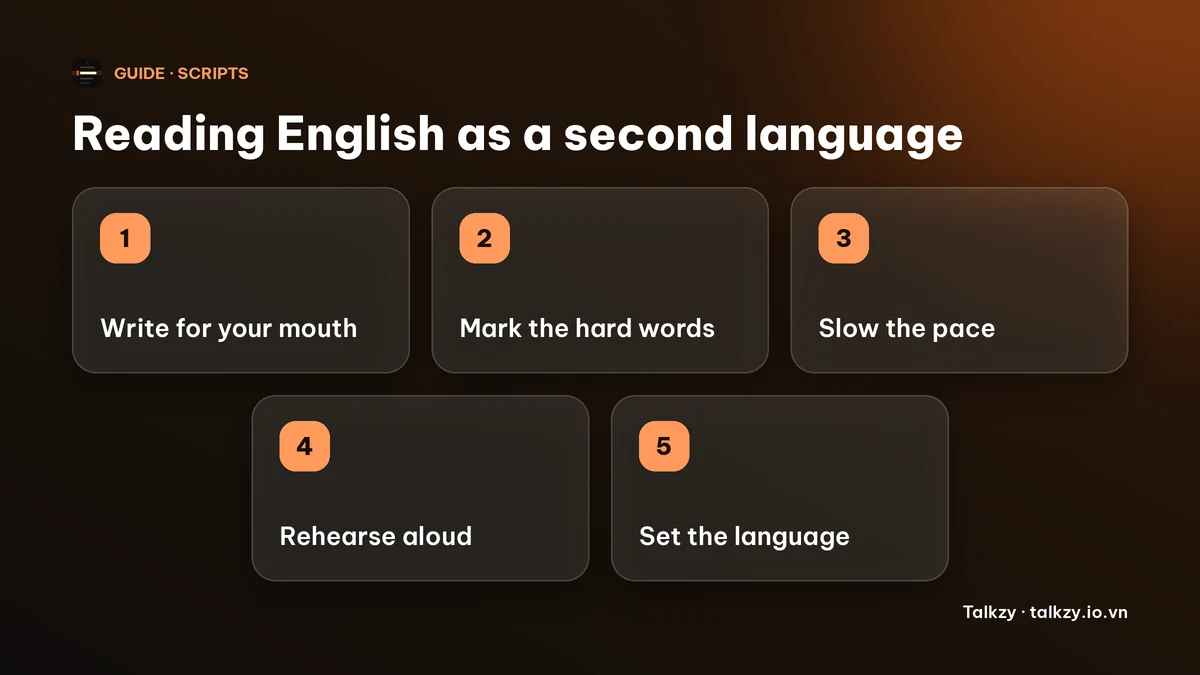
Step 1: write it the way you would say it
Use words you already say in conversation. Swap “utilise” for “use” and “commence” for “start”. Keep sentences short, one idea per line, so each line ends where you would breathe.
Contractions such as “we’re” and “it’s” sound more natural than “we are” and “it is” in most spoken English. It is fine to write the script in simple English; viewers notice clarity more than vocabulary.
Step 2: mark the hard words
Read the script aloud once and mark every word you tripped on. Look each one up in an online dictionary that has an audio recording, and listen to it a few times.
You can spell a hard word the way it sounds right in the script, for example “Worcester (WUSS-ter)”, or swap it for an easier word. Delete the helper spelling before you publish anything that shows the text. Do not leave a note in brackets alone on its own line in Talkzy: a line that is only text in [square brackets] becomes a section.
Step 3: slow down more than feels right
Most people read faster on camera than they think. A comfortable speaking pace is about 130 to 160 words a minute; if you are working in a second language, start near the lower end and raise it only if it feels stiff.
Pause at the end of each line and at commas. A pause gives you time to read the next phrase and gives the viewer time to understand you.
Step 4: rehearse out loud, then record in pieces
Read the script aloud two or three times, ideally while recording your voice so you can hear yourself. Fix the lines that still sound off, in the script itself.
Record in short sections rather than one long take. If you stumble, redo only that section.
Setting up Talkzy for Mac for an English script
Talkzy for Mac is a script bar that hangs from the MacBook’s notch, or sits top-centre on a display without one, and stays above Zoom, Meet or your recorder. It is on the Mac App Store for macOS 14 or later.
- Timed mode scrolls at a fixed pace in words per minute, so you can set a slow pace you control. It is free.
- Voice-follow listens to you and moves the script as you read. Each script has its own Voice-follow language, the language you will speak, and the list includes English (US), English (UK), English (Australia), English (India) and English (Canada). Pick the one closest to how you speak. It is labelled beta in the app.
- Recognition runs on the Mac and no audio is sent anywhere. Settings, then Voice, shows which languages are available on your Mac. If a language is not available there, voice-follow is off for it and Timed mode still works.
- Free use includes three voice-follow sessions a day; more is part of Talkzy Pro.
The iPhone and iPad app is coming soon to the App Store.
Frequently asked questions
- How can I read a script in English without sounding like I am reading?
- Write the script in short, spoken sentences with words you already use, mark the words you stumble on, read at a slower pace and rehearse out loud before you record. Looking up at the lens between lines also helps.
- Is it OK to have an accent in a video?
- Yes. A slight accent is normal and does not stop people understanding you. Clear pacing, short sentences and pauses matter more than perfect pronunciation.
- Does Talkzy follow my voice if I speak English with an accent?
- Talkzy for Mac lets you pick the English variant closest to how you speak, for example English (UK) or English (India), and listens on your Mac. Voice-follow is in beta and can still lose its place, so keep Timed mode as a backup.
- What speed should I use if English is my second language?
- Start near 130 words a minute and adjust. If you feel rushed or your pronunciation slips, slow down; if it sounds stiff, speed up a little.